Equipment across Projects →
Find an asset across all accessible active Projects.


HVACR troubleshooting often begins with a symptom, not a module name. Start free from what you are observing, then move into project-bound evidence, corrective action, retest and verification when the job requires traceability.
Engineering judgement stays visible. HVACR Studio structures troubleshooting and suggests checks; it does not silently replace a competent professional or evidence-based verification.
A useful troubleshooting record is more than a guessed cause and a “done” status. The workflow keeps observation, checking, corrective action and verification distinct.
Record the symptom, complaint or abnormal condition before jumping to a cause.
Capture relevant readings, conditions and engineering references.
Work through likely causes using measured evidence and structured checks.
Record the corrective action and engineering reason.
Measure again after the intervention instead of assuming the fix worked.
Compare the new condition with the intended acceptance or performance target.
Preserve the issue, action, evidence and verification trail for future reference.
This authentic release-candidate capture was recorded before the R61 problem-first entry redesign, so its first screen shows the earlier equipment-first sequence. It remains genuine product UI, not a reconstructed mockup, and it uses no Project or customer record.
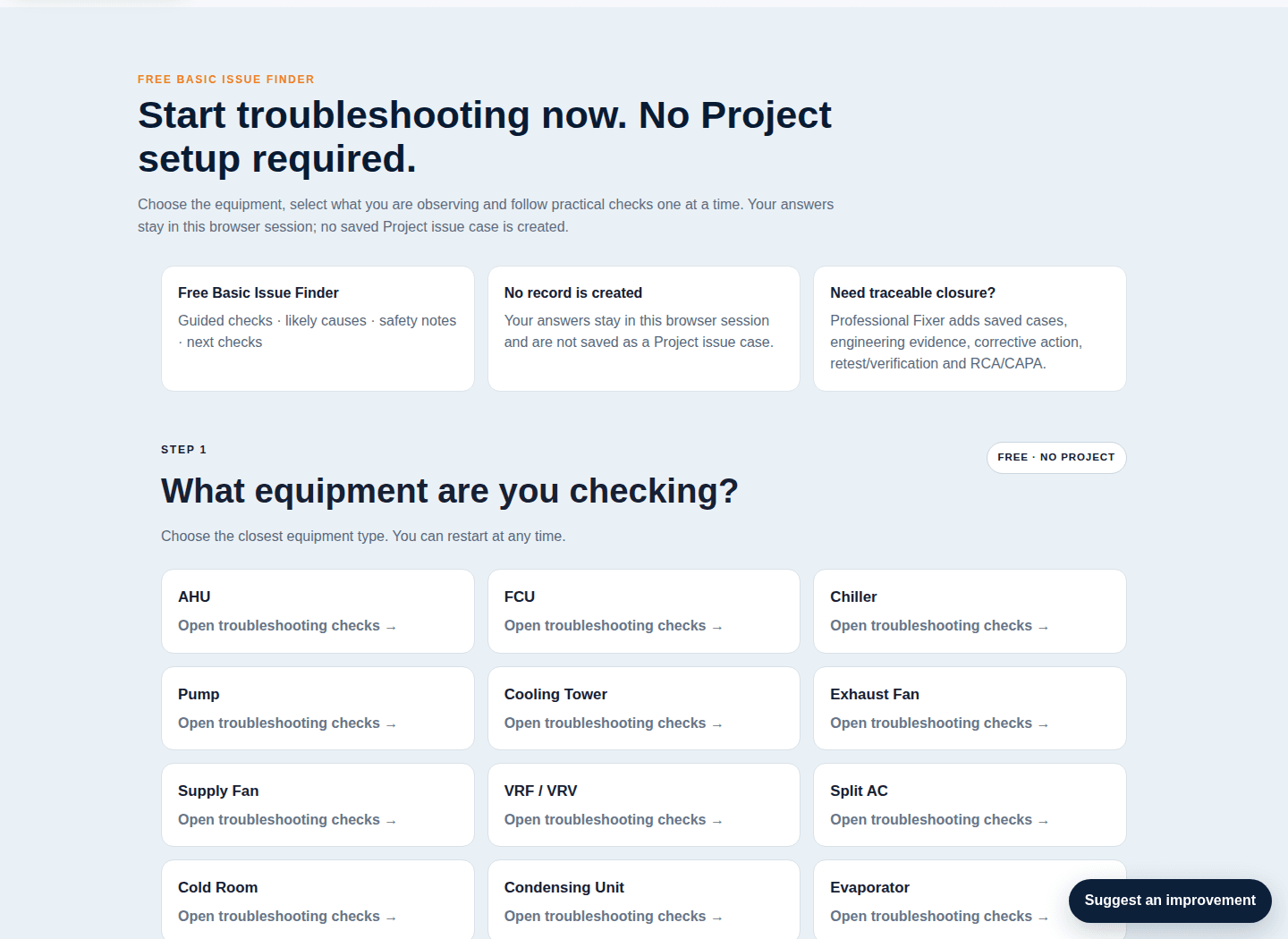
Choose the field problem first, refine the equipment only when needed, record observations/readings, follow deterministic checks, record the action actually performed, then retest and decide whether the correction is verified, failed, needs monitoring or should be escalated.
Work from an observed problem through checks, corrective action and retest.
Use this when: A room, system or asset is behaving differently from the expected condition.
This helps you: Keep possible causes separate from measured evidence and verified outcomes.
Before relying on it: Stop or escalate work outside your competence or site authorization. A local session is not saved Project evidence.
Choose what you are observing in the field. You do not need to know the exact equipment category first.
Use symptom-first guidance, references and engineering checks without turning every problem into a paid workflow.
Connect diagnosis to registered equipment, Before/Retest evidence, corrective action, verification, RCA, Five Whys, CAPA and reporting where supported.