Basic Issue Finder
Use guided troubleshooting, references and basic checks without turning every question into a paid workflow.
Try Find & Fix →

Practical HVACR tools for design support, installation, troubleshooting, commissioning, validation and operations — built for the people who work with real systems in the real world.
These approved captures come from the real release-candidate application. Free Tools is shown logged out; the professional Project uses only sanitized synthetic HVACR data.
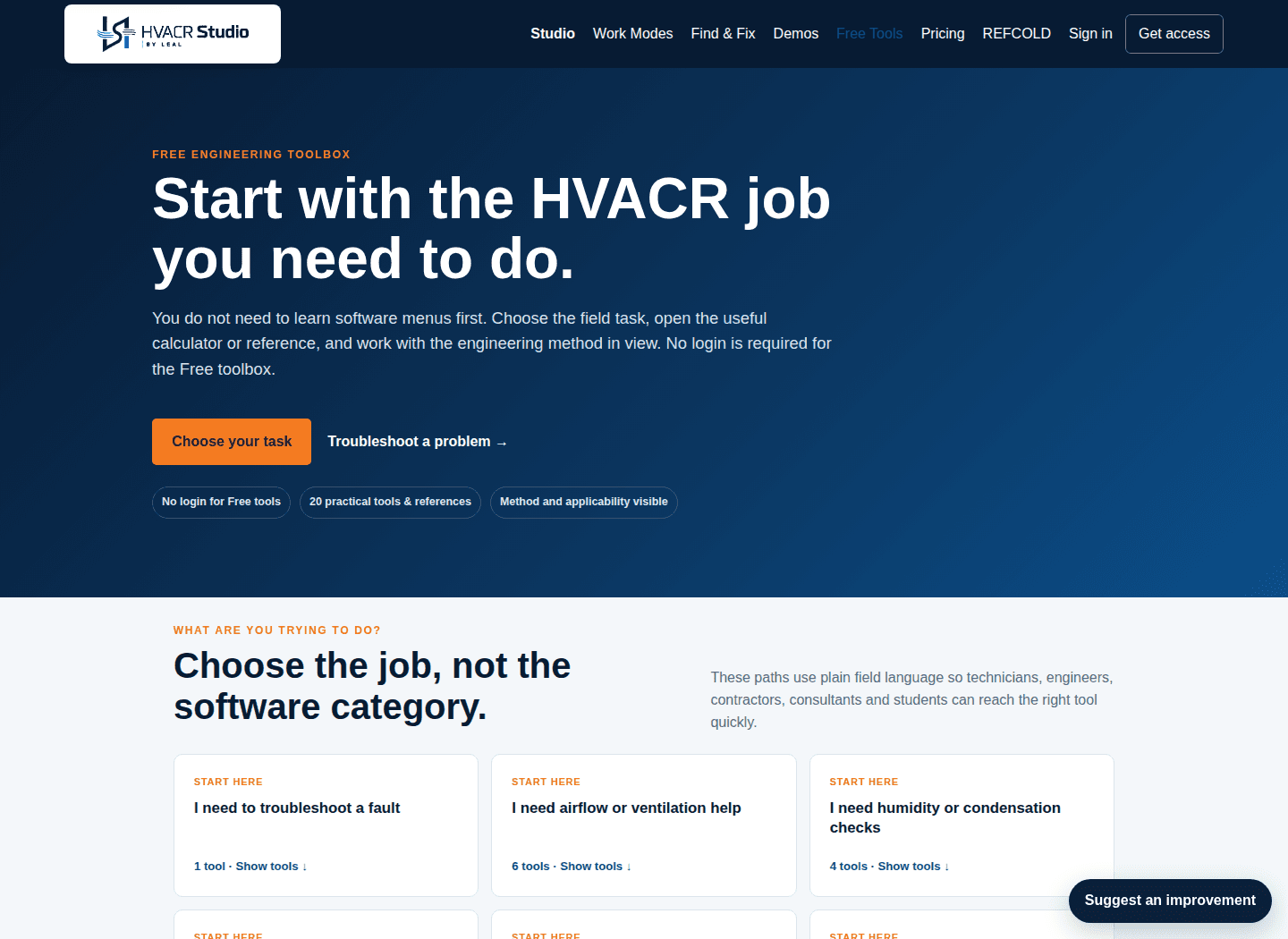
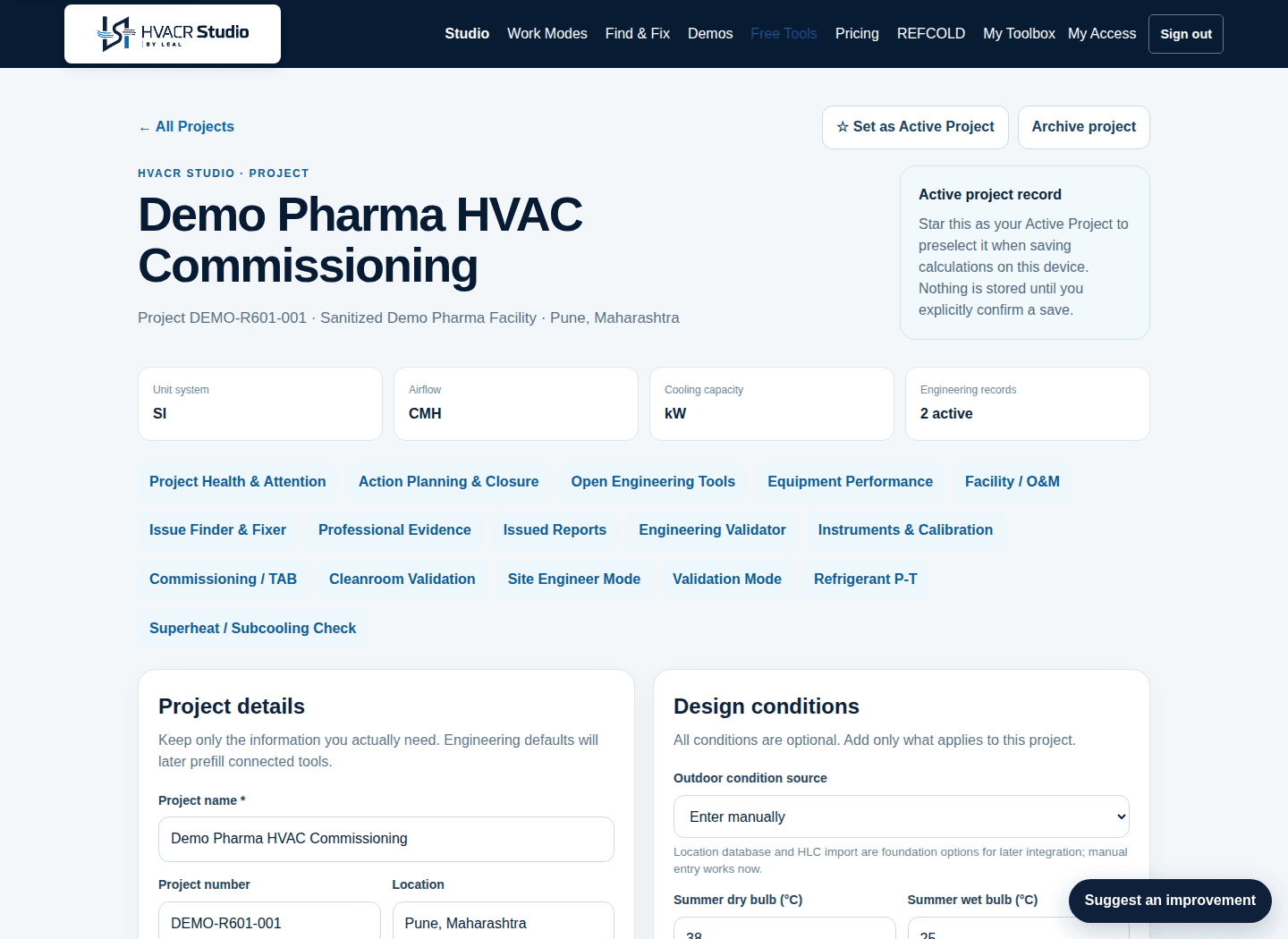
HVACR Studio connects troubleshooting to measured evidence, corrective action, retest and closure. The professional workflow does not automatically diagnose faults or silently mark an issue solved.
The exact depth depends on the equipment and delivered workflow. Engineering judgement remains with the responsible professional.
Use guided troubleshooting, references and basic checks without turning every question into a paid workflow.
Try Find & Fix →Persist issues, RCA / Five Whys, corrective action, CAPA, evidence, verification history and professional reporting where supported.
See package access →Work Modes are experience filters — not subscription plans. They reduce software jargon and bring the most relevant tools and workflows forward for each type of HVACR work.
Measure, calculate, check, record and report day-to-day HVACR site conditions.
Open work mode →Installation engineers, supervisors and skilled workersPractical installation calculations, quantity checks, inspection guidance and field issue resolution.
Open work mode →HVAC and refrigeration service techniciansTroubleshoot poor performance using symptoms, measurements and guided field checks.
Open work mode →Testing, adjusting, balancing and commissioning engineersCompare design intent with measured performance, diagnose deviations and retest after adjustment.
Open work mode →HVAC, pharma and cleanroom validation engineersCapture acceptance criteria, measurements, evidence, pass/fail decisions and corrective retests.
Open work mode →HVAC consultants, senior reviewers and approving authoritiesReview submitted values, methods and performance without duplicating detailed building heat-load design.
Open work mode →Refrigeration engineers, technicians and application specialistsRefrigerant reference, system checks and progressively deeper refrigeration-cycle analysis.
Open work mode →Facility managers, operators and maintenance teamsPlan preventive maintenance, keep equipment history, surface recurring issues and verify maintenance impact against the same project equipment register.
Open work mode →Professional capabilities connect the same project and equipment context across measurement, troubleshooting, commissioning, maintenance, performance, action planning and issued records.

Keep project context, equipment and engineering history connected.
Link readings, files and instruments with traceability.
Capture measured performance, acceptance and retest history.
Record criteria, measurements, deviations and verification evidence.
Track maintenance, recurring issues and preventive-maintenance work.
Compare measured equipment performance with captured project or OEM baselines.
Bring unresolved issues, due work and degraded conditions into one attention view.
Assign follow-up, record completion, verify outcome and preserve history.
Freeze issued engineering records instead of rewriting history later.
Search the current HVACR toolbox by task or engineering topic.
Favourites and recent tools stay on this device. No sign-in is required.
Use the star on a tool to pin it here.
Tools you open will appear here automatically.
REFCOLD is a special access path into the actual professional capability set. Event registration and HVACR Studio activation remain separate processes.
HVACR Studio is the everyday engineering and field-workflow layer. Deeper specialist design stays in the LEAL products built specifically for it.
Quick tools, troubleshooting, commissioning, validation, O&M, evidence and professional closure.
Full room-wise building cooling-load design remains in the specialist Leal HLC product.
Detailed AHU engineering and GA drawing automation remain in Leal GADraw.
CRM, sales, purchase, inventory, projects, accounts and connected business-process implementation.
Odoo is a third-party ERP platform implemented and supported by LEAL. HVACR Studio does not include Leal HLC room-wise heat-load design or Leal GADraw AHU / GA automation.
Where applicable, HVACR Studio keeps formulas, assumptions, applicability notes, measured evidence and verification history close to the engineering workflow.
Read about the engineering approach →Use the free toolbox now, or open HVACR Studio for connected professional field workflows.